Instagram collages
Collages that arrange themselves
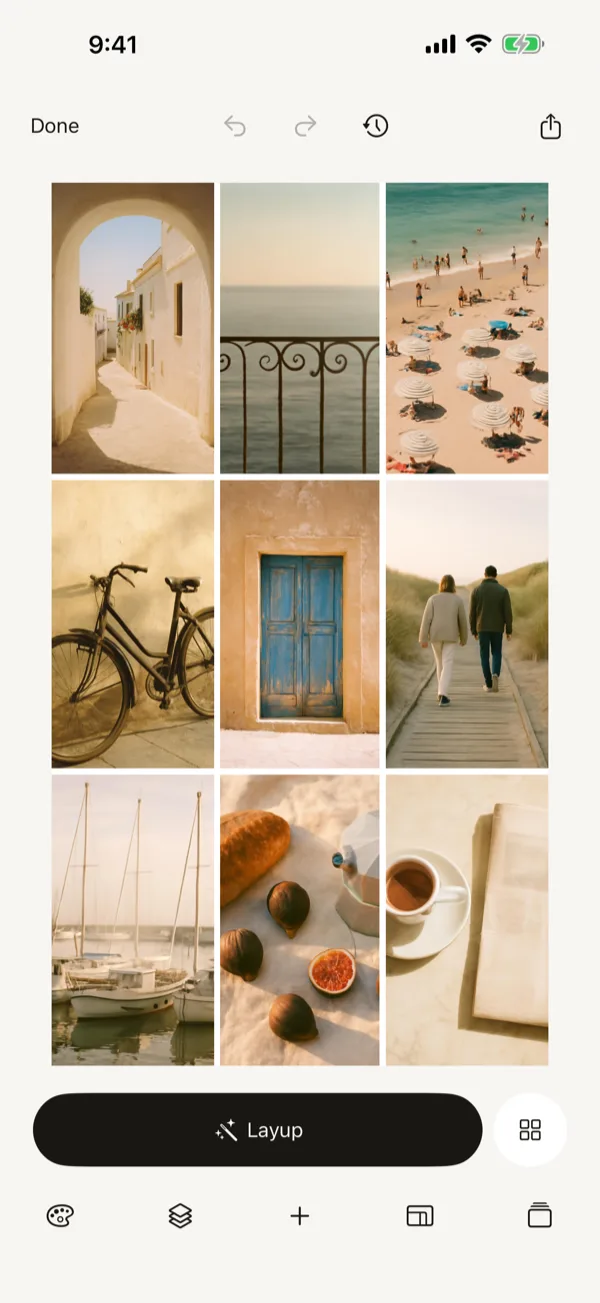
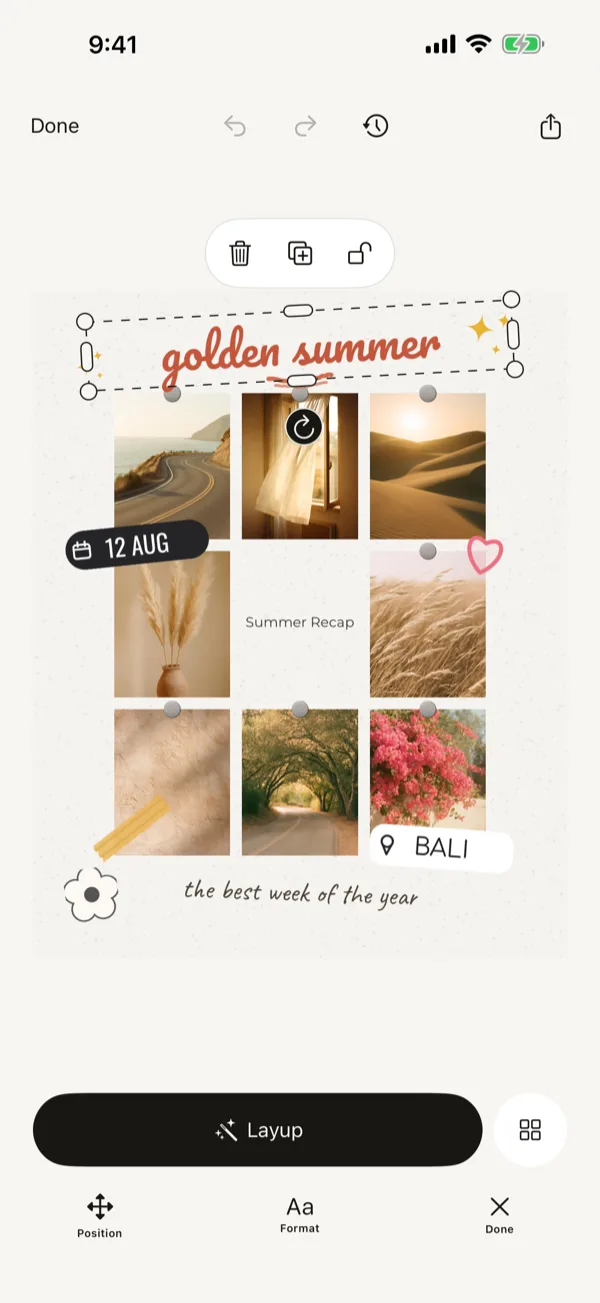
Pick your photos. Press Layup. Post the carousel.
Coming to the App StoreNo account needed to make one.
Three steps
Pick six to nine
From your camera roll. No sorting, no cropping first.
Press Layup
The arrangement is computed on the phone. Press again for the next-best one.
Post it
Straight to Instagram as a single image or a carousel.
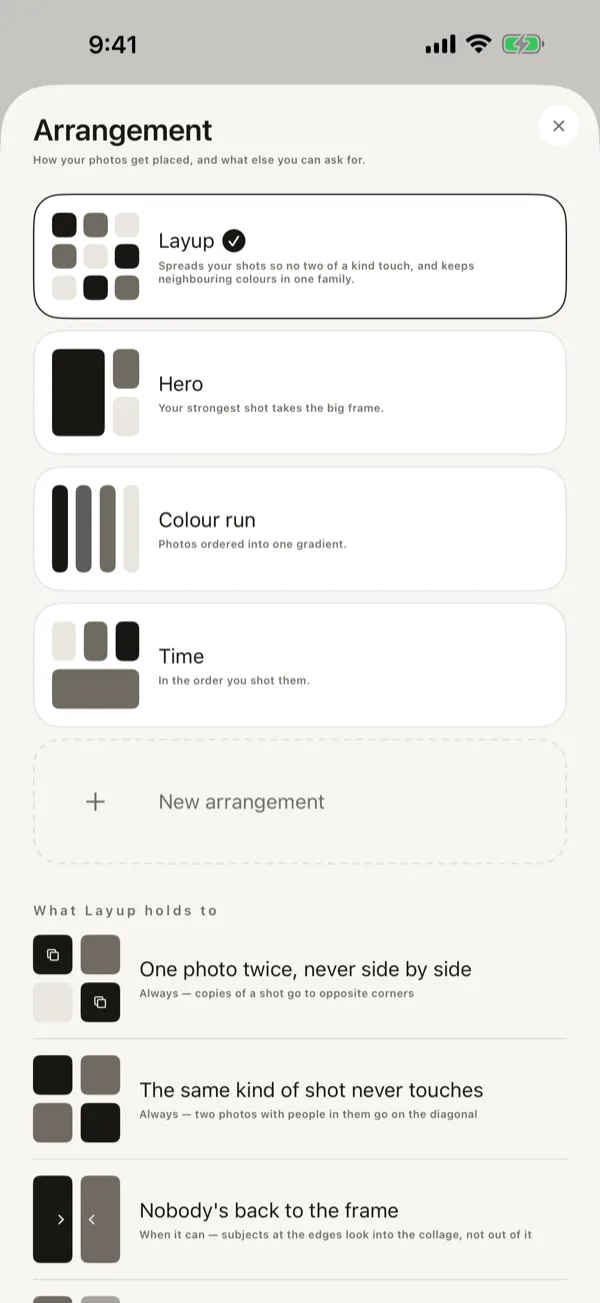
Not a grid. An arrangement.
A grid puts photos in the order you handed them over. These are the three things Layup changes about that order, and they are the whole difference.
No two neighbours repeat a shot
A close-up never lands beside another close-up. Wide, near, wide — the eye is given somewhere to go instead of the same distance twice.
Nobody's back faces the next photo
Where people are facing is read from the photo, and frames are turned so the page holds together as one scene rather than two arguments.
The colours are chosen together

Frames are ordered so the palette carries across the collage instead of jumping at the seams.
Carousels and templates
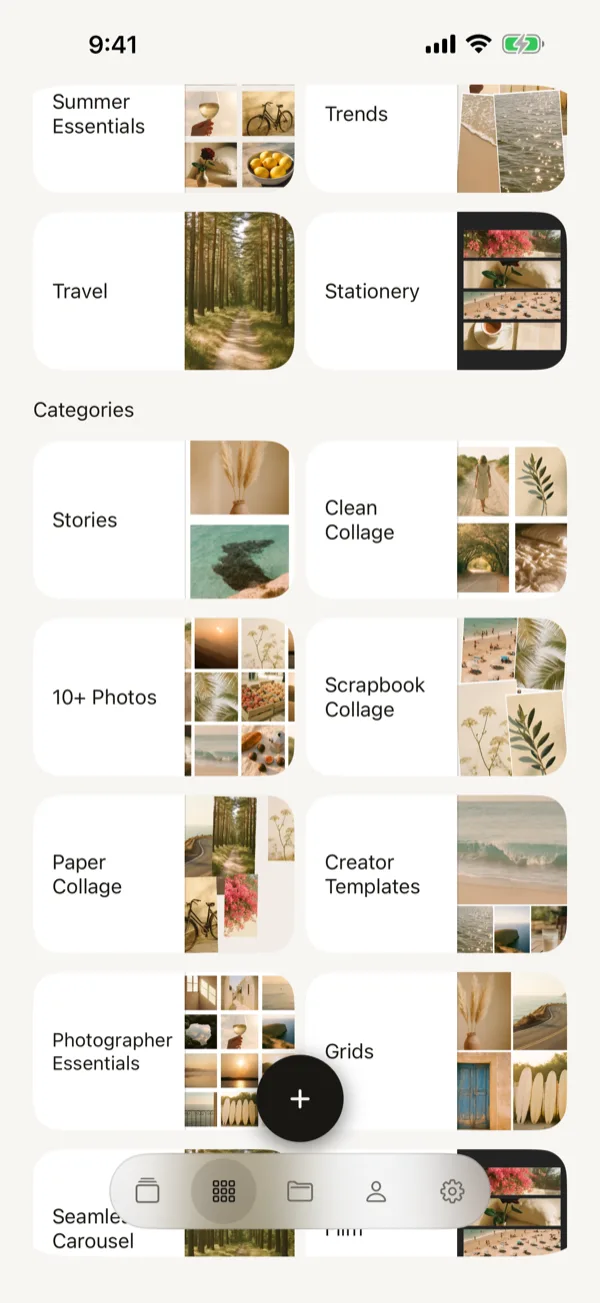
A collage can run across several slides as an Instagram carousel. Templates fix the frame shapes when you want the same look twice.
Questions
- Do my photos leave the phone?
- The arrangement runs entirely on the device. Nothing is uploaded unless you publish a collage yourself, and publishing is a separate, deliberate action.
- Does it need a connection?
- No. Making a collage works with the phone in flight mode.
- Why six to nine photos?
- Fewer than six and there is nothing to arrange; more than nine and the frames are too small to read on a phone.